The CDN feature is quick and easy to use.
Head to the package you want to enable our CDN for and locate the CDN section (see how to manage your packages here).
To activate the main Edge Caching element of the CDN:
1. Select Edge Caching (Manage Hosting -> Manage -> Edge Caching).
2. Select the toggle to activate it. Normally, Edge Caching is automatically activated by default.
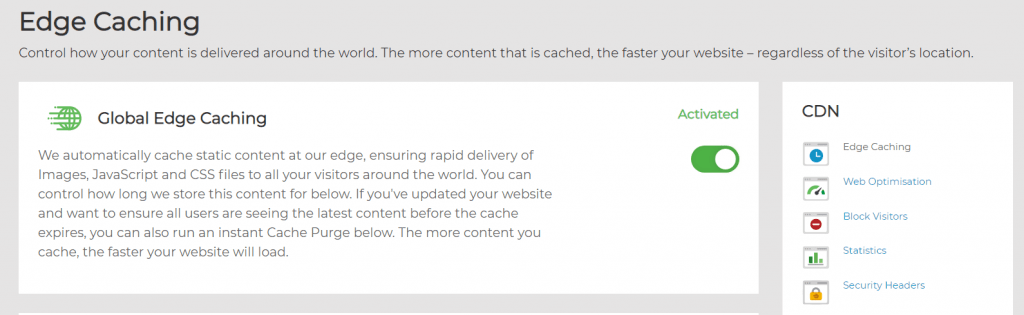
There’s nothing more you need to do! All static content on your website will now be cached automatically and served from the CDN node closest to its location.
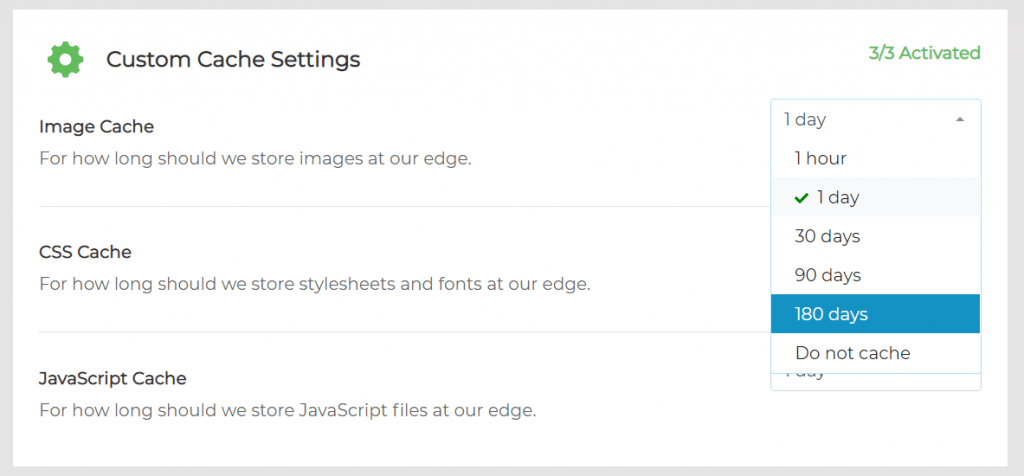
For a very effective caching policy though, you may want to tweak the caching settings and extend the caching duration for as long as possible (180 days) for both images, CSS and JavaScript:
Purge Cache #
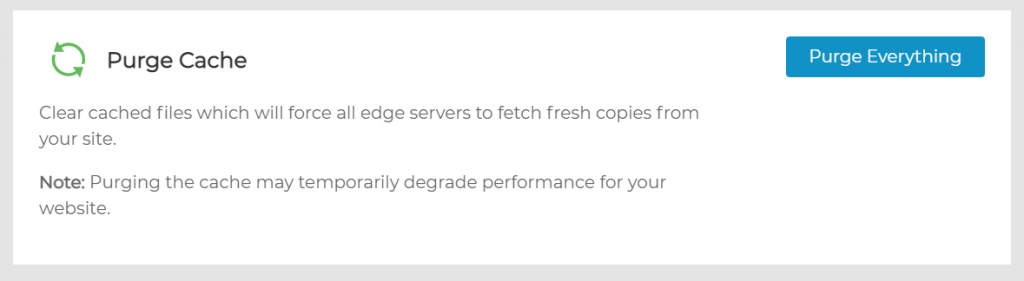
To purge the cache that’s stored at the CDN node, head to the Edge Caching section and click the Purge Everything button.